Buying
You can purchase Barcode Producer via our website here. As soon as payment completes, you’ll get an email to
If you already have an account,
Is there a demo version of Barcode Producer available?#
Most definitely. We offer a free, downloadable demonstration version of Barcode Producer so that you can fully test the software to see if it meets your needs before purchase. Barcode Producer will run in demo mode until you activate it. Download it for Mac or Windows.
All of the functions and options within Barcode Producer are available when running in demo mode, with one exception – the barcodes you save will have the value replaced with a different value. When you purchase a license and activate, this restriction will be removed.
Is there a difference between the demo download and the “full” download?#
No – the demo and the full version are the exact same download. If you already have the “demo” installed, just
Is there a way to create a barcode with my own value without a license?#
No – saving a barcode with your own value needs a license. However, the barcode you save with the unlicensed version of Barcode Producer is exactly like the barcode you’ll get from the licensed version. Only the value itself is changed. This lets you fully evaluate the software.
Do you have sample barcode images I can download?#
Yes – you can download sample barcode images here.
How do I pay for Barcode Producer?#
Depending on your country, various payment options will be available to you. Choose the one that’s right for you. For credit cards, all of these cards are accepted: Visa, Mastercard, American Express, Discover, JCB, and UnionPay.
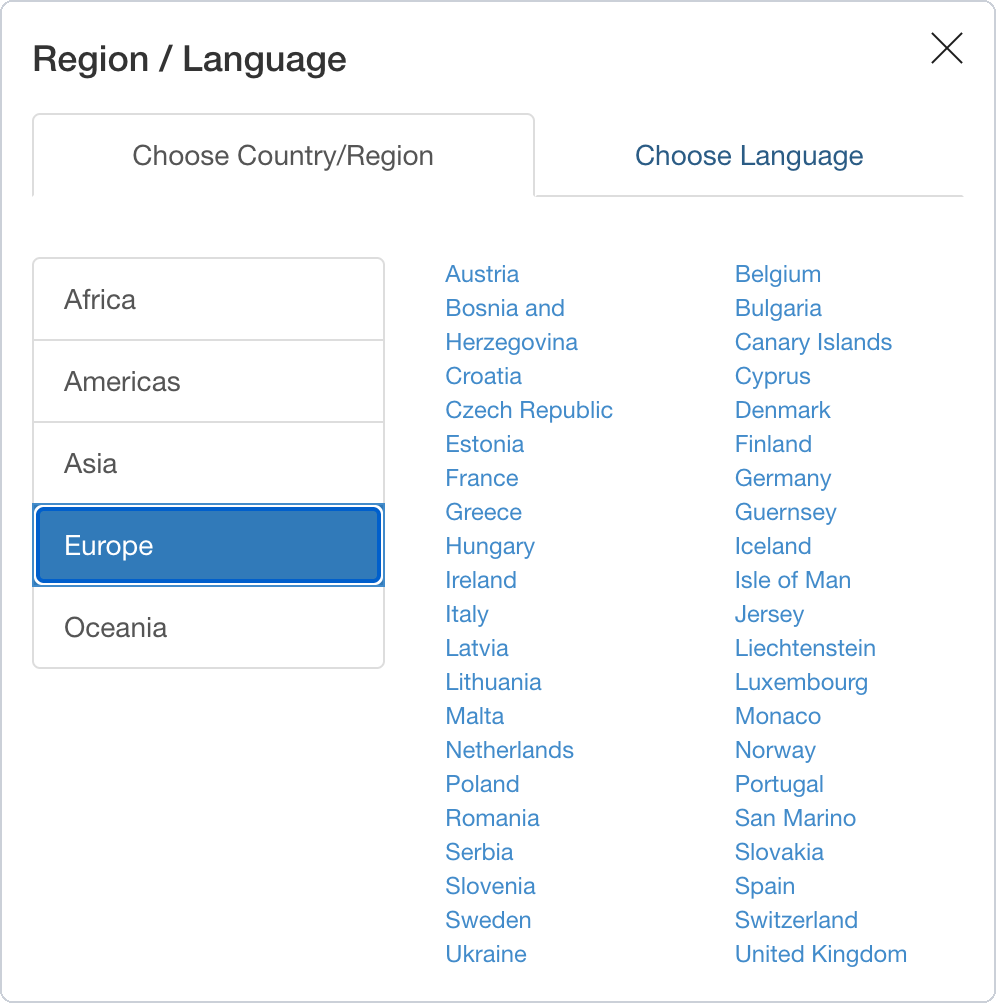
In many countries, you can buy in your own local currency, so you won’t need to worry about currency exchange. Your country is selected automatically at checkout. To pay in a different currency, change the country or region at the top right of the checkout window. The tax you’re charged can change when you change the country.
All orders are processed by FastSpring, our order fulfillment provider. FastSpring is the merchant of record for purposes of purchasing our software. You can buy Barcode Producer via FastSpring via the links on our website.
I’m in a country with VAT and I’m ordering on behalf of a company. How do I remove VAT?#
If you’re in a country with VAT or another price-inclusive tax, the prices presented during checkout will include VAT. If you are placing an order on behalf of a company in the EU or another place that allows you to remove VAT, click Enter VAT ID and enter the company’s VAT identification number. The VAT charges will be removed. In some countries the link has a different name. In Australia it is Enter ABN, and in Canada it is Enter GST ID.
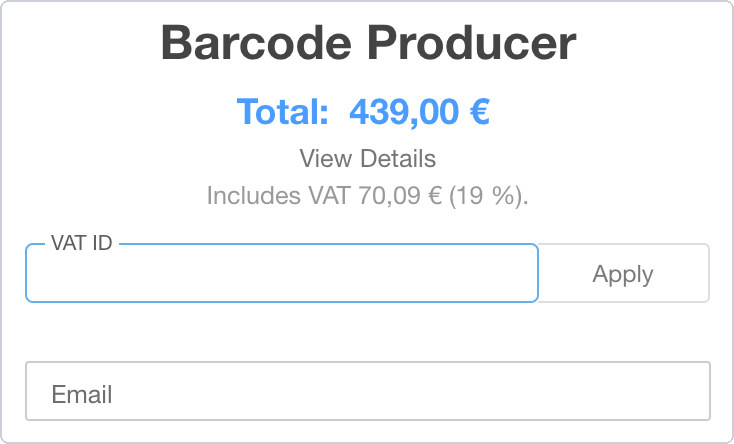
If you don’t see the Enter VAT ID link, make sure your country is selected at the top right of the checkout window. (If you’re located in the United States, here’s how to claim a sales tax exemption.)
Need a formal invoice or quotation?#
If your business needs a formal invoice or quotation to order Barcode Producer, we’re happy to assist you.
My US organization is tax exempt (non-profit, school, reseller, etc.).#
Place your order online, then contact FastSpring through their sales tax page with your order number and documentation/proof of exemption within 90 days of purchase. Once approved, they will refund back the tax charged to the order. Please note that FastSpring can only help with payment inquiries – if you need help with Barcode Producer or anything else at all, please contact us at hello@barcodeproducer.com instead and we will be happy to assist you.
If you’re outside the United States and have a VAT ID or another tax ID, enter it at checkout. If your country allows this, the tax is removed.
I need a special form filled out to register you as a vendor.#
All orders are processed by FastSpring, our fulfillment provider. FastSpring is the merchant of record for purposes of purchasing our software, so FastSpring is the vendor to register. You’ll find FastSpring’s details, its W-9, and other tax forms on our
Can I pay with Alipay in China?#
Yes – you can pay with Alipay in China. Set your country to China, then select Alipay during checkout.
Can you send me a printable copy of my payment invoice for my records?#
On your email receipt, look for the “view invoice” link. If you can’t find the email, the billing contact can find every order and invoice on the Billing page of your account – click Open Billing on FastSpring.
Who makes Barcode Producer / how long has it been available?#
Barcode Producer is a product of Superiorware LLC. Barcode Producer has been available since 2002.